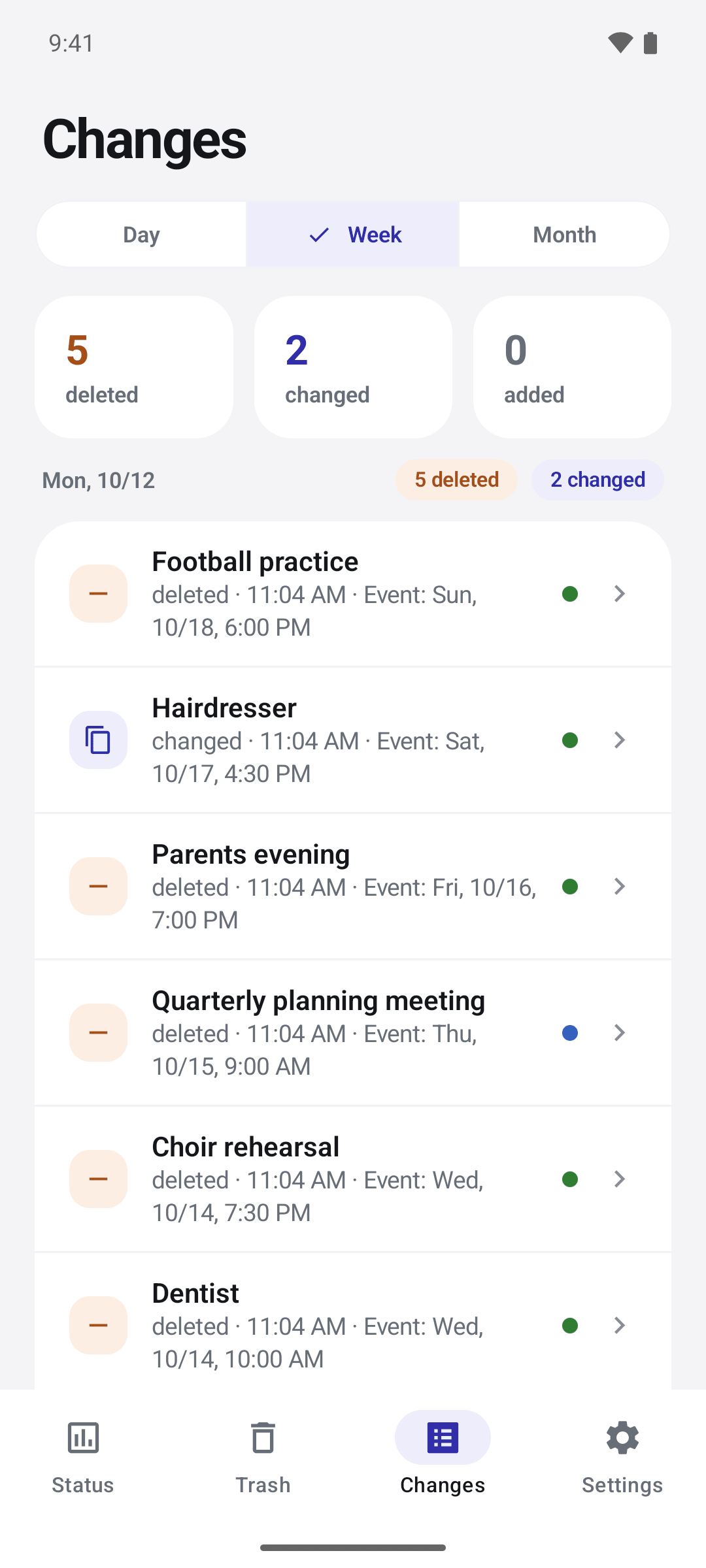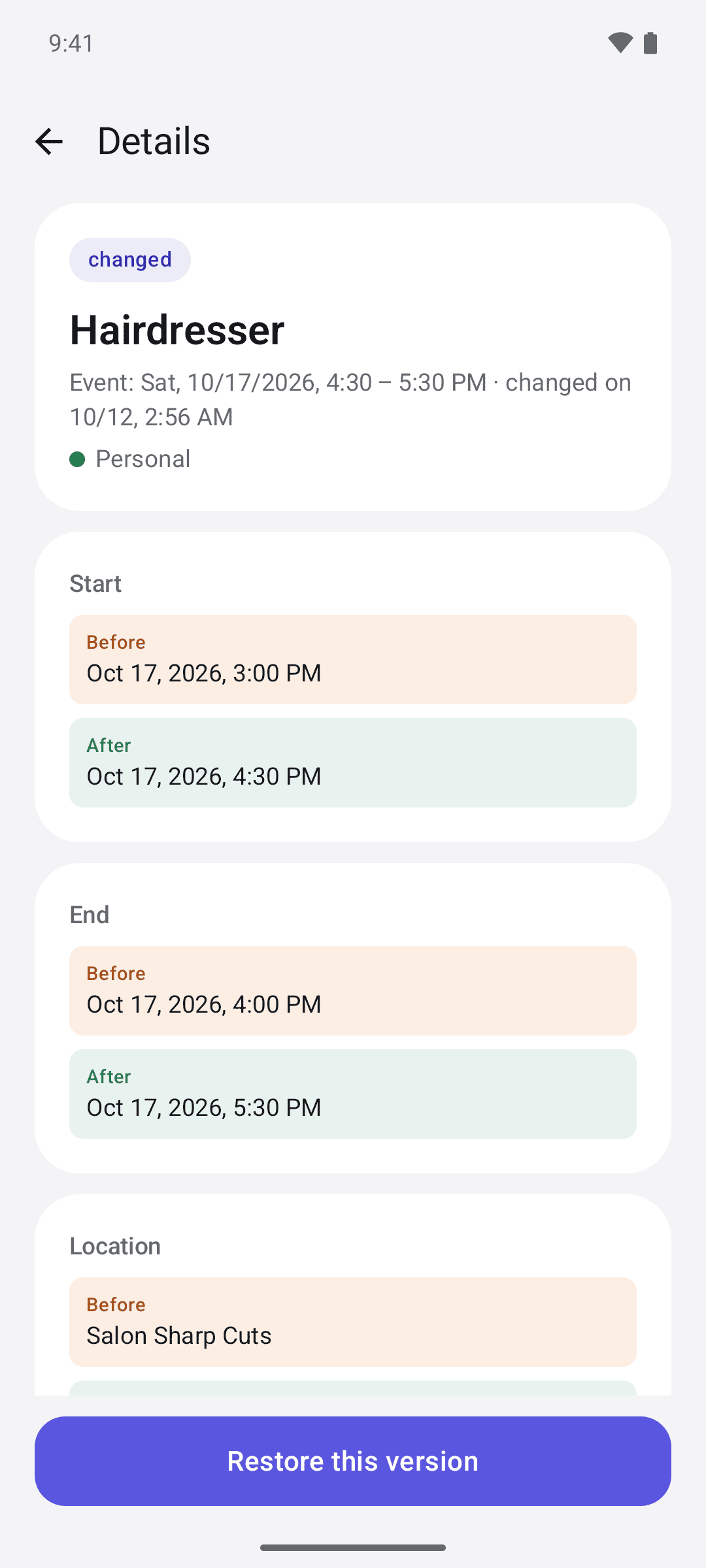



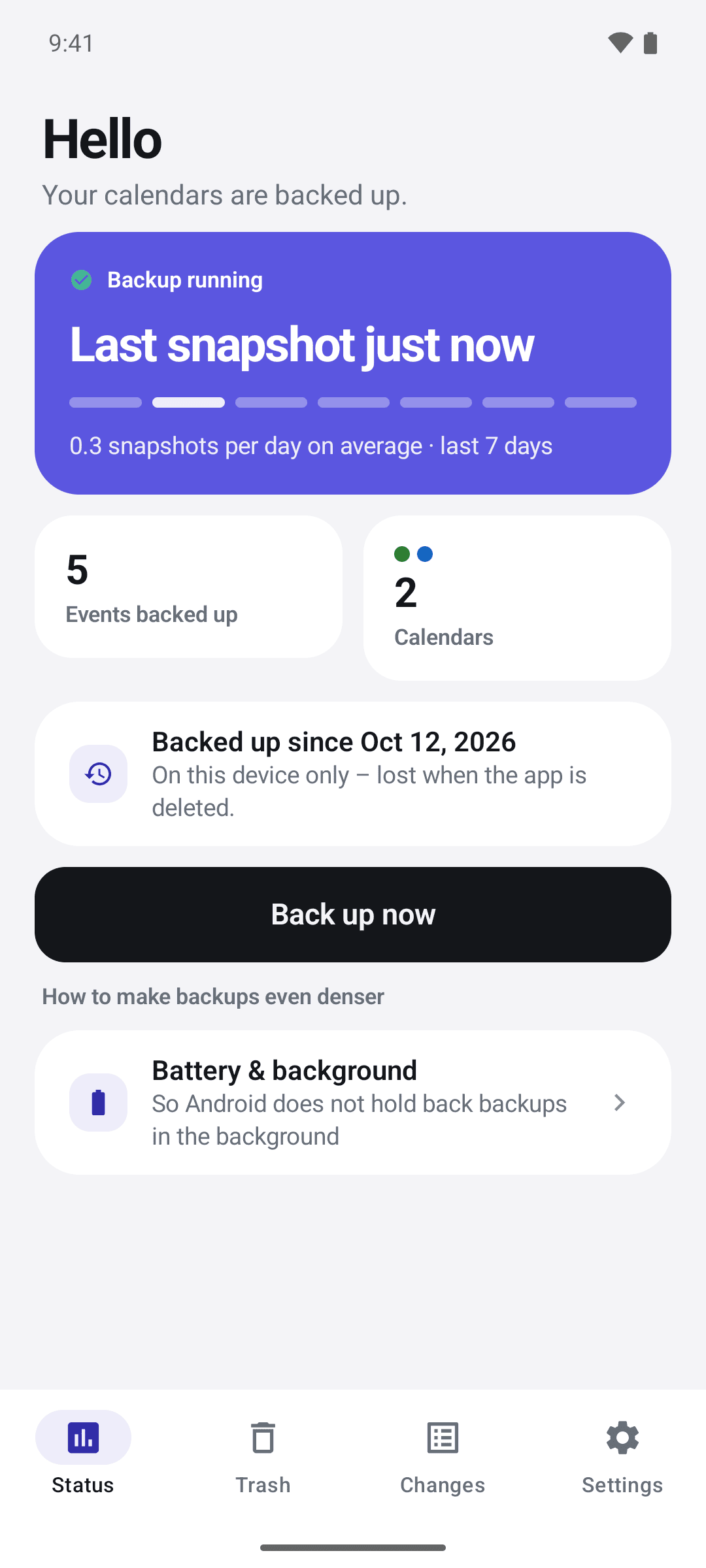
Chronaut watches while you don’t
On iPhone and iPad, snapshots run when you open Chronaut, when a calendar changes while it is open, on background refresh, and on a daily Shortcut you set up once. On the Mac, Chronaut sits in the menu bar all day and catches a change within seconds.
Chronaut backs up when you open it, as soon as a calendar changes, and schedules a background backup every 15 minutes – even after a restart. For a manual backup, tap “Back up now” or long-press the app icon.